


 9.00 -17.00

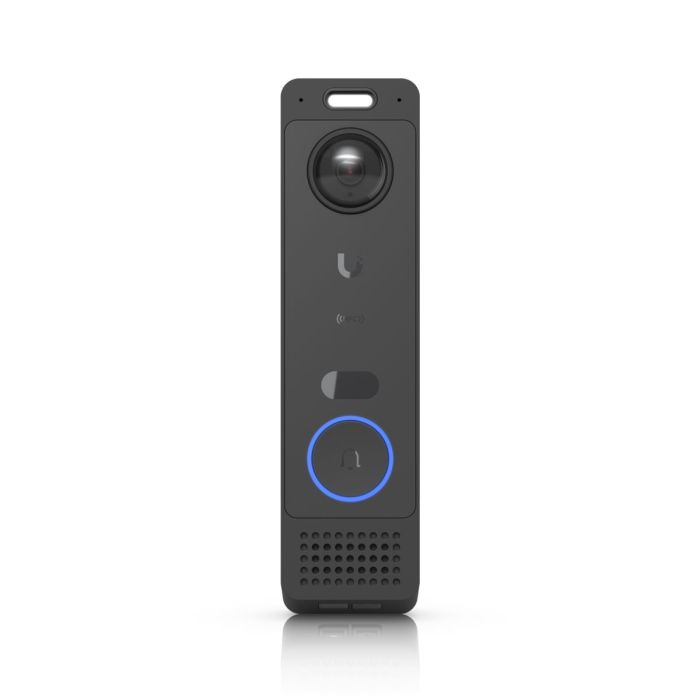
Ubiquiti G6 Entry - UVC-G6-Entry
Ubiquiti G6 Entry (UVC-G6-Entry) PoE+ video intercom with 5 MP main camera, 8 MP package camera, two-way audio, IR night vision, NFC, BLE, UniFi Protect & UniFi Access integration, IP55 and IK07 vandal resistance.
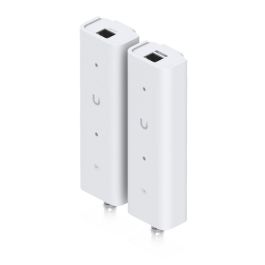
Accessories and add-ons:
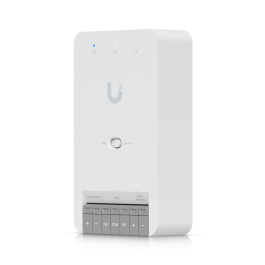
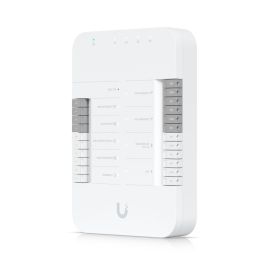
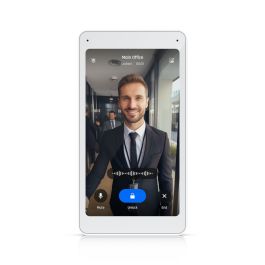

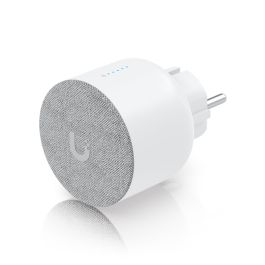


Ubiquiti G6 Entry (UVC-G6-Entry)
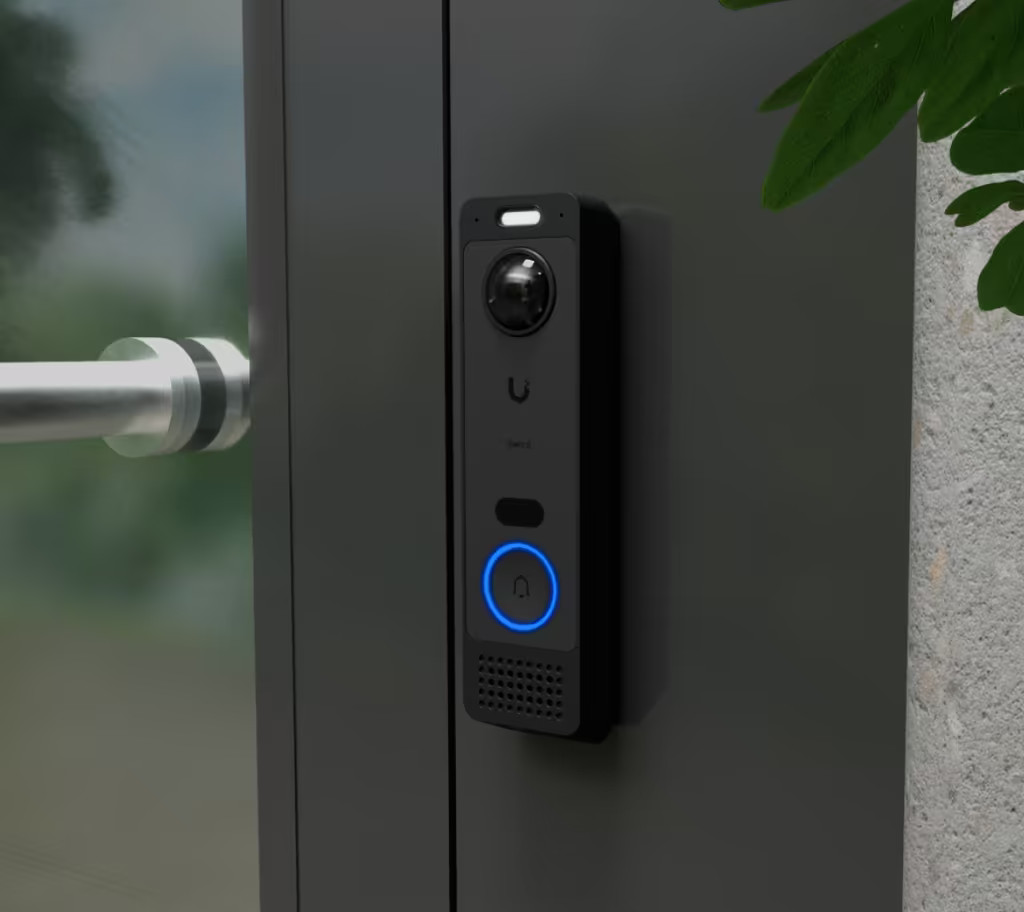
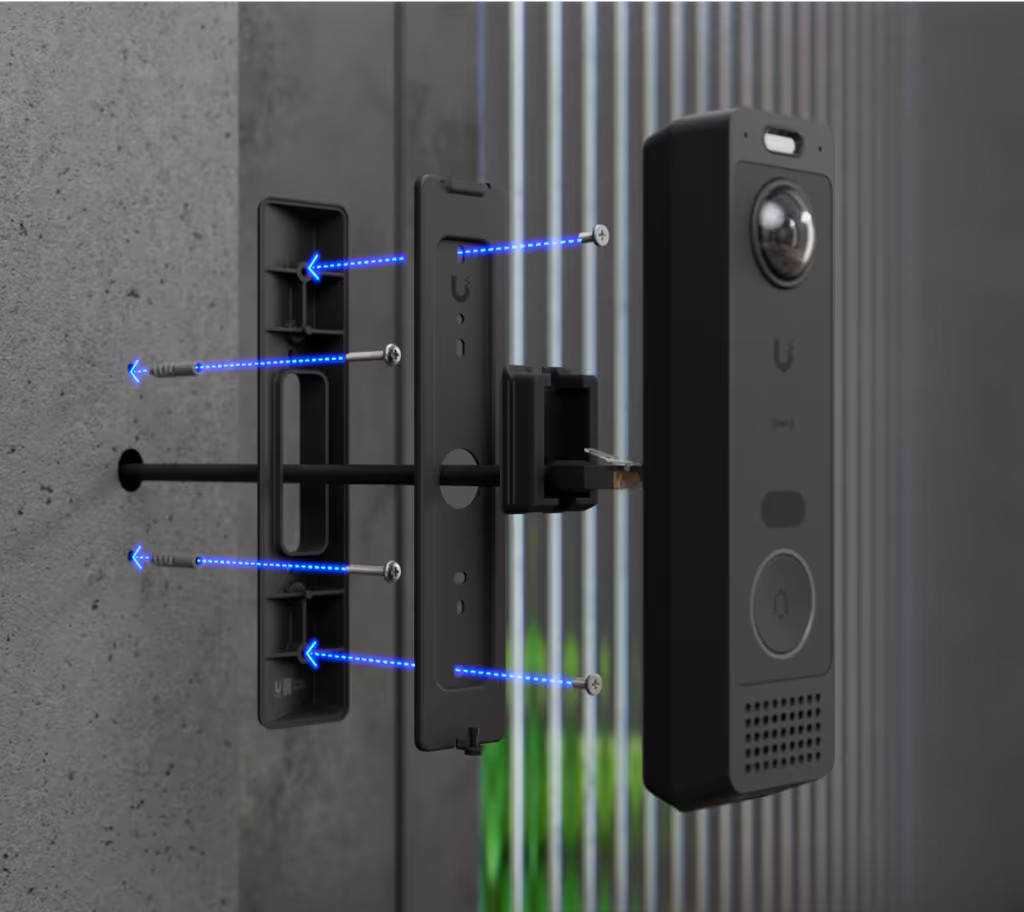
Ubiquiti G6 Entry is a network video intercom designed for installation at building entrances. The device integrates video monitoring, audio communication, and access control functionality in a single wall-mounted unit. It operates within the UniFi Protect and UniFi Access systems and is powered and connected to the network using PoE+ (Power over Ethernet).
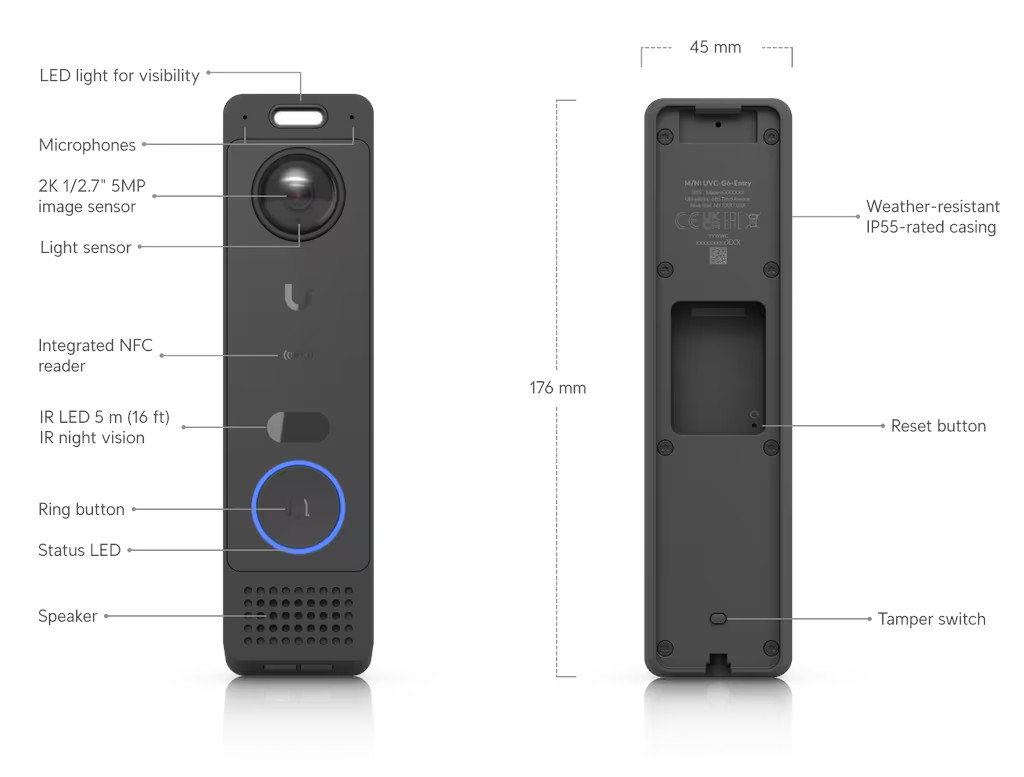
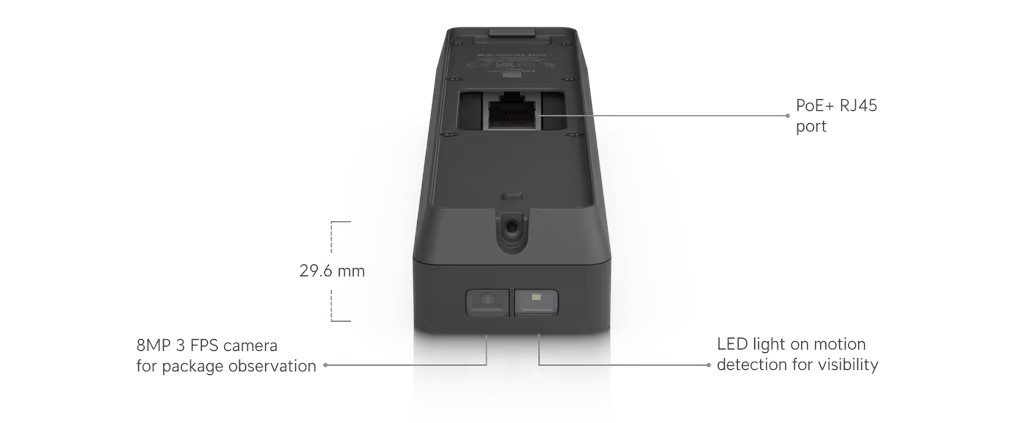
The device is equipped with a main 5 MP camera and an additional 8 MP auxiliary camera intended for monitoring packages and the area directly below the unit. Both cameras use fixed-focus lenses and provide a wide field of view, supporting person identification and AI-based image analysis. The unit also includes a doorbell button and built-in tamper protection mechanisms.
Main features
- Main 5 MP camera with vertical image format
- Secondary 8 MP camera for package monitoring
- Two-way audio communication (microphone and speaker)
- Wide field of view: H 100°, V 135°, D 180°
- Integrated IR illumination for night operation
- PoE+ power supply (42–57 V DC)
- Integration with UniFi Protect and UniFi Access
- Weather-resistant enclosure (IP55)
- Tamper resistance rating IK07
- Doorbell button, reset button, and tamper switch
Technical specifications
| Model | UVC-G6-Entry |
Video
| Main camera resolution | 1920 × 2560 (5 MP, 3:4) |
| Secondary camera resolution | 3264 × 2448 (8 MP, 4:3) |
Optics
| Image sensor – main | CMOS, 5 MP |
| Image sensor – secondary | CMOS, 8 MP |
| Lenses | Fixed focal length |
| Field of view (FOV) | H: 100°, V: 135°, D: 180° |
Audio
| Audio | Two-way (microphone and speaker) |
Interfaces and power
| Network interface | Gigabit Ethernet (RJ45) |
| Wireless connectivity | BLE 4.1, NFC |
| Power method | PoE+ (42–57 V DC) |
| Maximum power consumption | 16 W |
Buttons and indicators
| Buttons | Doorbell, reset, tamper |
| LED indicators | R / G / B / W |
Enclosure and mounting
| Enclosure material | Aluminum |
| Mounting materials | Stainless steel, SGCC steel, polycarbonate |
| Ingress protection | IP55 |
| Impact resistance | IK07 |
| Dimensions | 176 × 45 × 29.6 mm |
| Weight | 275 g |
Environment and compliance
| Operating temperature | -30 to 50 °C |
| Operating humidity | 5–90% (non-condensing) |
| NDAA compliant | Yes |
| Certifications | CE, FCC, IC |
Ubiquiti G6 Entry – Frequently Asked Questions (FAQ)
Yes. The G6 Entry operates as a standalone device and supports all UniFi Protect features when connected to a UniFi Console.
When the G6 Entry is connected to a UniFi Console through an Access Hub, it supports all door access features, including Touch Pass, NFC unlock, Mobile unlock, and Face unlock.
It also retains all UniFi Protect features, such as AI Detections, alarm settings, and video recording.
To enable Access Hub door access features, both UniFi Protect and UniFi Access must be installed on the Cloud Console.
To pair the G6 Entry with an Intercom Viewer as the receiver and enable door access features, the G6 Entry must be connected to a UniFi Access Hub and managed in the UniFi Access application.
- Open the Interface Designer session within the Access application.
- Locate the Intercom Viewers connected to the same UniFi Console.
- Select the desired Intercom Viewer to link it as the receiver.
If you use the G6 Entry as a standalone device, you only need the UniFi Protect application.
To enable door access features, connect the G6 Entry to an Access Hub and install both applications — UniFi Protect and UniFi Access.
Outbound calling and support for local SIP devices are not available in the initial release. These features will be introduced in subsequent UniFi Access application updates.
The embedded heater in the G6 Entry, like in other UniFi Protect cameras, is designed to remove moisture during the initial setup after unboxing.
This helps prevent condensation inside the device, ensuring clear image quality and reliable operation.
The heater automatically activates for the first six hours of operation, which may cause the metal housing to feel warm during this period — this is normal and part of the device’s design.
If water vapor is still present inside the lens bubble after the initial six-hour heating cycle, perform a manual power cycle (restart the G6 Entry).
This reactivates the heater for another six hours to help further dissipate any remaining moisture.
| Manufacturer SKU | UVC-G6-Entry |
|---|---|
| Manufacturer | Ubiquiti |
| PCS in collective packaging | 15 |
| GPSR contact | Ubiquiti International Holding B.V. Ekkersrijt 3102, 5692 CC Son en Breugel support@ui.com |

-
 Ubiquiti Enterprise Access Hub (EAH-8)€1,114.21 €905.86
 -
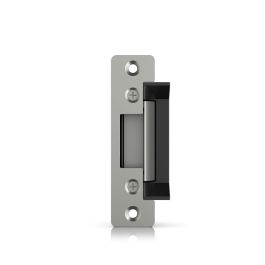
 Ubiquiti Electric Lock - UACC-Lock-Strike-Secure-15mm€88.77 €72.17
 -
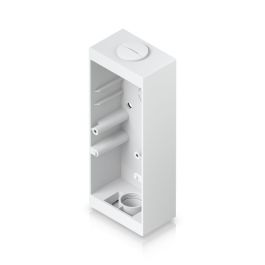
 Ubiquiti Reader Pro Junction Box (UACC-Reader-Pro-JB-W)€31.13 €25.31
 -
 UBIQUITI Gate Hub (UA-Hub-Gate)€311.89 €253.57
 -
 UBIQUITI Pocket Keyfob x10 (UA-Pocket)€102.50 €83.33
 -
 Ubiquiti Door Hub (UA-Hub-Door)€223.72 €181.89
 -
 UBIQUITI Door Hub Mini (UA-Hub-Door-Mini)€123.43 €100.35
 -
 UBIQUITI Access Card - 10 pcs. black (UA-Card-B-10)€32.51 €26.43
 -
 UBIQUITI Access Card - 100 pcs. black (UA-Card-B-100)€285.43 €232.06
 -
 Ubiquiti WiFi Smart Chime (UP-Chime)€63.92 €51.97
 -
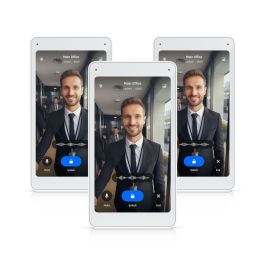
 UBIQUITI Intercom Viewer (UA-Intercom-Viewer)€173.02 €140.67
 -
 Ubiquiti Intercom Viewer - UA-Intercom-Viewer-3€506.96 €412.16


Please complete your information below to login.
Sign In
Create New Account