


 9.00 -17.00

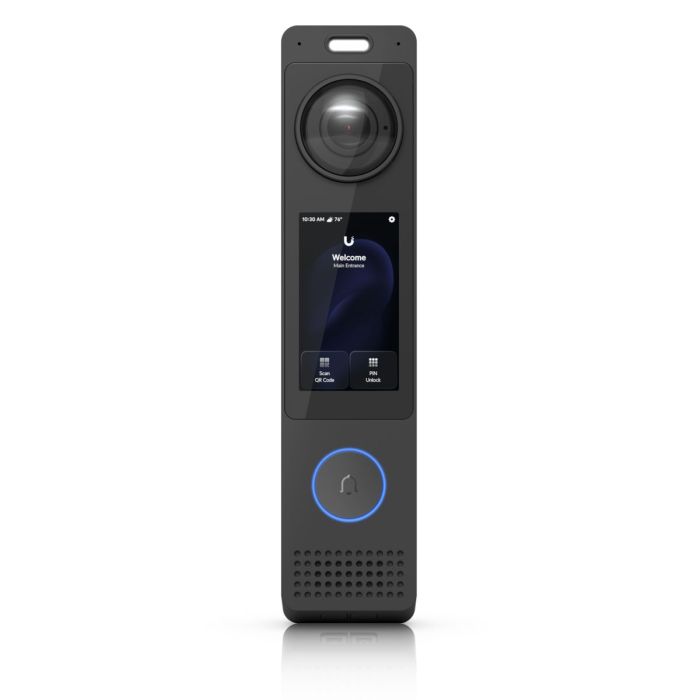
Ubiquiti G6 Pro Entry - Video intercom with two cameras (UVC-G6-Pro-Entry)
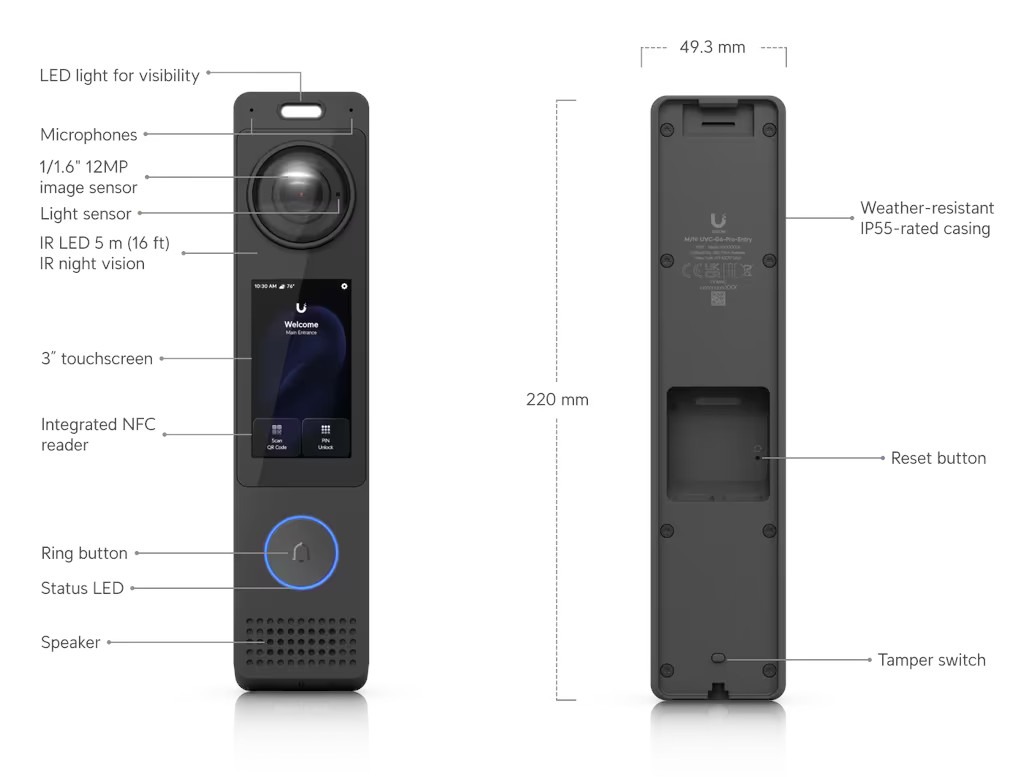
The Ubiquiti G6 Pro Entry is an access control terminal and video intercom equipped with a dual camera system: a 12MP main camera and an 8MP lower camera for parcel monitoring. The device has a 3-inch touchscreen and supports authentication via Face ID, NFC, PIN codes, and mobile wallets.
Accessori e componenti aggiuntivi:
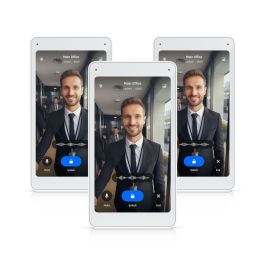

Ubiquiti G6 Pro Entry – Access Control System and Video Intercom
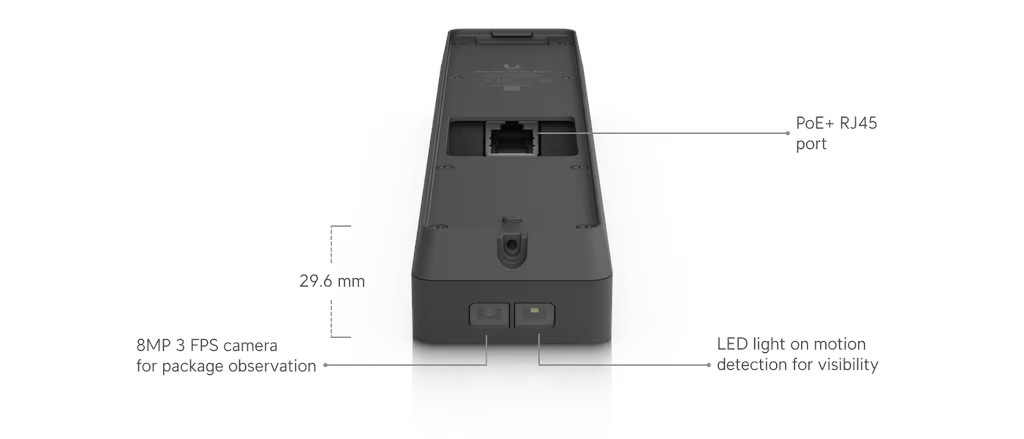
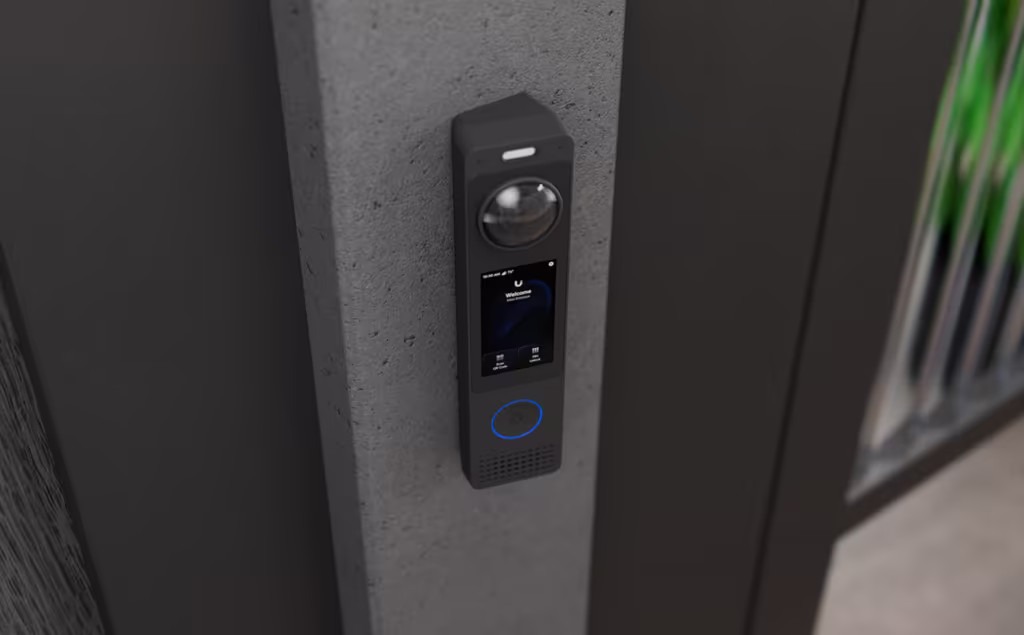
Ubiquiti G6 Pro Entry (UVC-G6-Pro-Entry) is a video intercom and access control terminal in one, designed with the highest security standards in offices and homes in mind. The main 12MP (3024 x 4096) camera, unlike typical doorbells, records in portrait orientation (3:4 aspect ratio). This arrangement, combined with a very wide vertical field of view of 136.3°, allows for full body coverage and precise Face ID operation. In addition to the main sensor, a second 8MP camera is hidden in the lower part of the housing, dedicated to monitoring packages left at the door. The whole thing is complemented by a built-in IR night vision system with a range of up to 5 meters and AI analytics that can recognize people, vehicles, and animals.
The device is equipped with a 3-inch touchscreen with 1000 nits of brightness, ensuring excellent readability even in direct sunlight. The panel is protected by IK04-rated glass, while the aluminum housing of the entire device has a higher IK07 durability rating. Many authorization methods are available: from the classic doorbell and two-way voice communication, through on-screen PIN codes and NFC cards, to modern unlocking via smartphone (Apple/Google Wallet) and the aforementioned facial recognition. To use the door opening functions (NFC, PIN, Face ID), the intercom must be compatible with the master controller Access Hub, and both the UniFi Protect and UniFi Access applications must be installed in the system.
The G6 Pro Entry is based on a quad-core Arm Cortex-A53 processor that communicates with the network via a gigabit Ethernet port (GbE RJ45). The device is powered via PoE+ (maximum power consumption: 18W), simplifying installation with a single network cable. The device is designed for demanding outdoor conditions: it has an IP55 rating and can operate stably in temperatures ranging from -30°C to 50°C. Users have a wide range of image settings at their disposal, including HDR mode, 2D/3D noise reduction, and the ability to overlay zones. A physical tamper switch will immediately notify the system of any unauthorized attempt to remove the device from the wall.
Key features:
-
Dual camera system: Main 12MP camera (3:4) and a bottom 8MP camera for viewing packages.
-
Access Methods: Support for Face ID, NFC, PIN codes.
-
Display: 3" (480 x 854 px) touchscreen with 1000 nits brightness.
-
Build and Durability: Aluminum housing with IP55 certification and IK07 impact resistance.
-
Communication and Requirements: Gigabit Ethernet port with PoE+; Access Hub and Protect and Access apps required for access control.
-
Analytics and Imaging: Advanced AI object detection, HDR mode, 30 FPS (at 8MP), and two-way audio.
Technical Specifications
| Required UniFi Apps | Protect, Access |
| Access Methods | Face Recognition, NFC Card and Key Fob, PIN Code, Apple/Google Wallet, Mobile Unlock |
| Intercom Features | Two-Way Intercom and Doorbell |
| Smart Detections | People, Vehicles, Animals |
| Audio | Two-Way Audio |
Video and Optics |
|
| Integrated Cameras | Main Camera: 12MP Bottom Camera (for packages): 8MP |
| Resolution (Main Camera) | 12MP: 3024 x 4096 (3:4) at 20 FPS 8MP: 2160 x 3840 (9:16) at 30 FPS |
| Resolution (Bottom Camera) | 8MP: 3264 x 2448 (4:3) at 3 FPS |
| Sensor | Main: 12MP CMOS Bottom: 8MP CMOS |
| Field of View (Main Camera) | H: 100°, V: 136.3°, D: 176.4° (12MP mode) H: 70.9°, V: 127.5°, D: 147.4° (12MP mode) 8MP) |
| Field of View (Bottom Camera) | H: 66°, V: 51.7°, D: 78° |
| Lens | Fixed Focus |
| Night Mode | Built-in IR LED illumination (5 m / 16 ft range) and IR cut filter |
| Image Settings | Color, Brightness, Sharpness, Contrast, White Balance, Exposure Control, 2DNR, 3DNR, Motion NR, Masking, Text Overlay, HDR |
Display and Interfaces |
|
| Display | 75 mm (3") diagonal, capacitive touchscreen (multi-touch), portrait orientation |
| Screen Specifications | Resolution 480 x 854 px, max brightness 1000 nits |
| Network Interface | GbE RJ45 Port |
| Connectivity Wireless | BLE 4.1, NFC |
| Processor | Quad-core Arm® Cortex®-A53 architecture-based system |
| Buttons | (1) Doorbell button, (1) Factory reset, (1) Tamper switch |
| LEDs | R/G/B/W/Amber |
Power |
|
| Method Power Supply | PoE+ |
| Maximum Power Consumption | 18W |
| Supported Voltage Range | 42—57V DC |
Other |
|
| Dimensions | 220 x 49.3 x 29.6 mm (8.7 x 1.9 x 1.2") |
| Weight | 360 g (12.7 oz) |
| Housing Material | Aluminum |
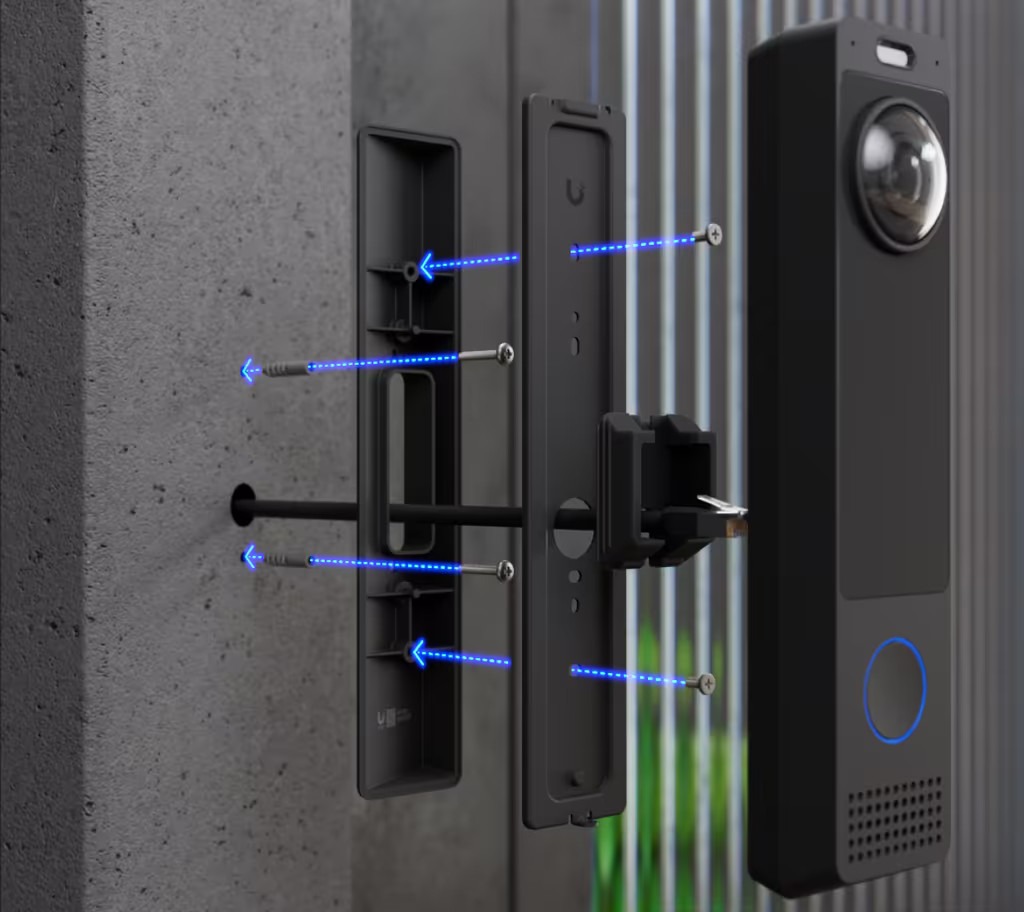
| Mounting Material | Wall Mount: Stainless Steel Gangbox Mounting Plate: SGCC Steel Gangbox Mounting Cover: Polycarbonate Angled Bracket (Wedge): Aluminum |
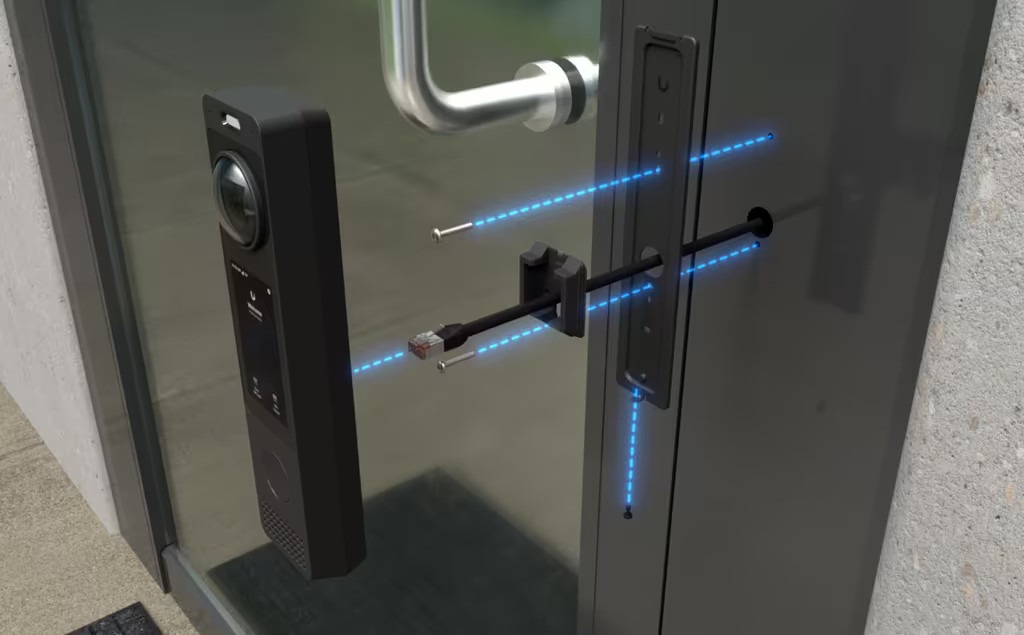
| Mounting | Wall, on electrical box (Gangbox), at a 20° angle (all included); Optional Junction Box |
| Weather Resistance | IP55 |
| Impact Resistance | Housing: IK07, Display: IK04 |
| Device Operating Temperature | -30 to 50° C (-22 to 122° F) |
| Display Operating Temperature | -25 to 50° C (-13 to 122° F) |
| Humidity Operating Humidity | 5 to 90% Non-Condensing |
| NDAA Compliant | Yes |
| Certifications | CE, FCC, IC |
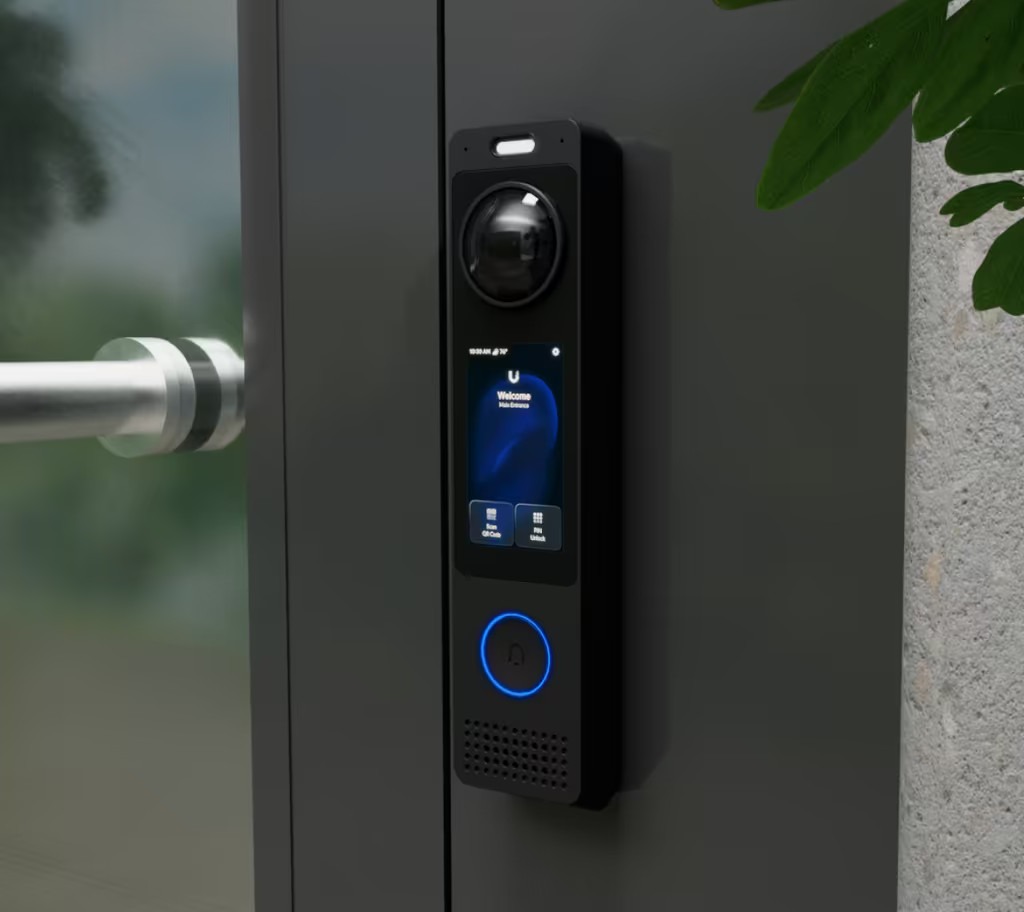
Ubiquiti G6 Pro Entry - Frequently Asked Questions (FAQ)
Yes. The G6 Pro Entry can function as a standalone device and supports all UniFi Protect features when connected to the UniFi Console.
When the G6 Pro Entry is connected to the UniFi Console via the Access Hub, it supports all door access control features, including Touch Pass, NFC unlock, mobile unlock, PIN unlock, QR code unlock, and Face unlock. The device also includes an Intercom directory.
The device retains all UniFi Protect features, such as AI detection, alarm settings, and video recording. To use the door features, both the UniFi Protect and UniFi Access apps must be installed on the console.
To pair the G6 Pro Entry with the Intercom Viewer and enable the access features, the G6 Pro Entry must be connected to the UniFi Access Hub and managed in the UniFi Access application. Then:
- Open an Interface Designer session in Access.
- Locate Intercom Viewer devices connected to the same UniFi console.
- Select the desired Intercom Viewer to associate it as a receiver.
If you are using the G6 Pro Entry as a standalone device (camera/video intercom), you only need the UniFi Protect app. However, to unlock the door access control features, you must connect the G6 Pro Entry to the Access Hub and install both the UniFi Protect and UniFi Access apps.
The purpose of the built-in heater in the G6 Pro Entry (like in other UniFi Protect cameras) is to remove moisture during the initial setup out of the box. This helps prevent condensation inside the device, ensuring clear images and reliable operation.
The heater activates automatically for the first six hours of operation. During this time, the metal casing may feel warm to the touch – this is normal and expected by the device's design.
If condensation is still visible under the lens dome after the initial six-hour heating cycle, manually restart the device (power cycle). This will reactivate the heater for another six hours, helping to completely remove any remaining moisture.
| SKU del produttore | UVC-G6-Pro-Entry |
|---|---|
| Produttore | Ubiquiti |
| In un imballaggio collettivo | 15 |
| GPSR contatto | Ubiquiti International Holding B.V. Ekkersrijt 3102, 5692 CC Son en Breugel support@ui.com |

-
 UI Care warranty extension for UVC-G6-Pro-Entry97,81 € 79,52 €
 -
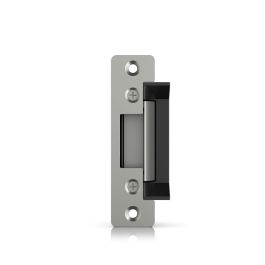
 Ubiquiti Electric Lock - UACC-Lock-Strike-Secure-15mm88,42 € 71,89 €
 -
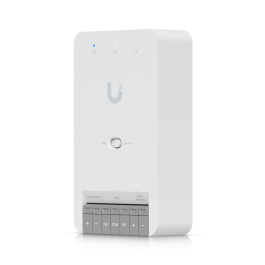
 UBIQUITI Door Hub Mini (UA-Hub-Door-Mini)123,09 € 100,07 €
 -
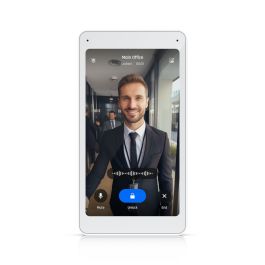
 UBIQUITI Intercom Viewer (UA-Intercom-Viewer)172,54 € 140,28 €
 -
 Ubiquiti Intercom Viewer - UA-Intercom-Viewer-3505,54 € 411,01 €
Please complete your information below to login.
Accedi
Creare un nuovo account